Medical Spanish · Built for care
A little Spanish.
A more human
connection.
Learn the language of the conversations you have every day—with patients, families, and the people beside you. Practical Spanish for your clinical role, one lesson at a time.

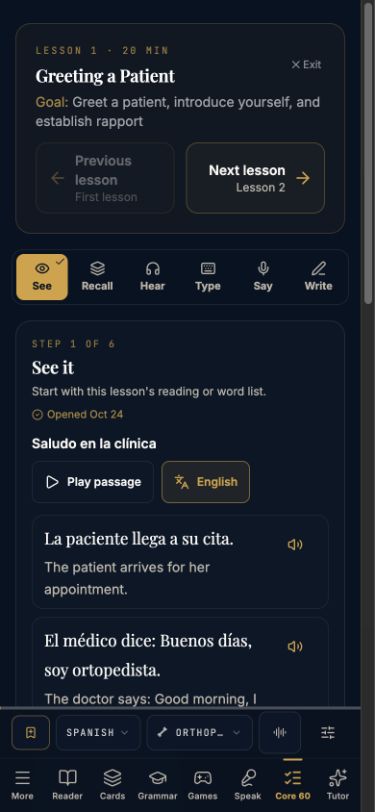
Start where you care
Your work has its own language.
Choose from 11 complete clinical and support paths, plus Medical Mission Logistics. Build from your first phrases to longer conversations, with 690 lessons across the learning library.
Orthopedics
Patient greetings, pain descriptions, examination language, and the conversations around mobility.
Open the course ↗10 Foundation · 30 Core · 20 MasterNursing & patient care
Intake, comfort, bedside questions, and communication throughout a shift.
Open the course ↗10 Foundation · 30 Core · 20 MasterGeneral surgery
The vocabulary of surgical care and the conversations around a procedure.
Open the course ↗10 Foundation · 30 Core · 20 MasterPhysical therapy
Mobility, daily activities, rehabilitation vocabulary, and patient questions.
Open the course ↗10 Foundation · 30 Core · 20 MasterFamily medicine
Rapport, history-taking, everyday symptoms, and follow-up conversations.
Open the course ↗10 Foundation · 30 Core · 20 MasterEmergency medicine
Focused questions, clear communication, and emergency-care vocabulary.
Open the course ↗The growing learning library
690 lessons.
Start with your role.
Eleven clinical and support paths each contain 60 lessons: 10 Foundation, 30 Core, and 20 Master. Medical Mission Logistics adds 30 focused lessons for transport, equipment, supplies, and local-team handoffs.
Build your first phrases.
Start with sounds, greetings, numbers, questions, and polite requests in the context of your work.
Practice the conversations.
Read bilingual passages, work with useful words, and rehearse the language of your clinical or support role.
Keep the conversation going.
Work with longer situations, explanations, clarification, and team handoffs.
Course cards open Core in the app. Choose Foundation or Master within that path. Logistics is a separate Core 30 course.
Your paperwork, in both languages
Read the document.
Learn the phrasing.
An intake form, a care plan, a team handoff. You can know the words one at a time and still miss the instruction. Add text or import a document into My Documents in Language Threshold, translate it into a side-by-side reading, save it, and add notes as you study.
Tap words for definitions and return to saved meanings while you read. Practice the phrasing alongside your specialty lessons, before your next shift or your next mission.
Translation allowances and extra storage are shown in the app. Notes save on your device. Use fictional or de-identified examples for study and follow your organization’s document-handling and language-access policies.
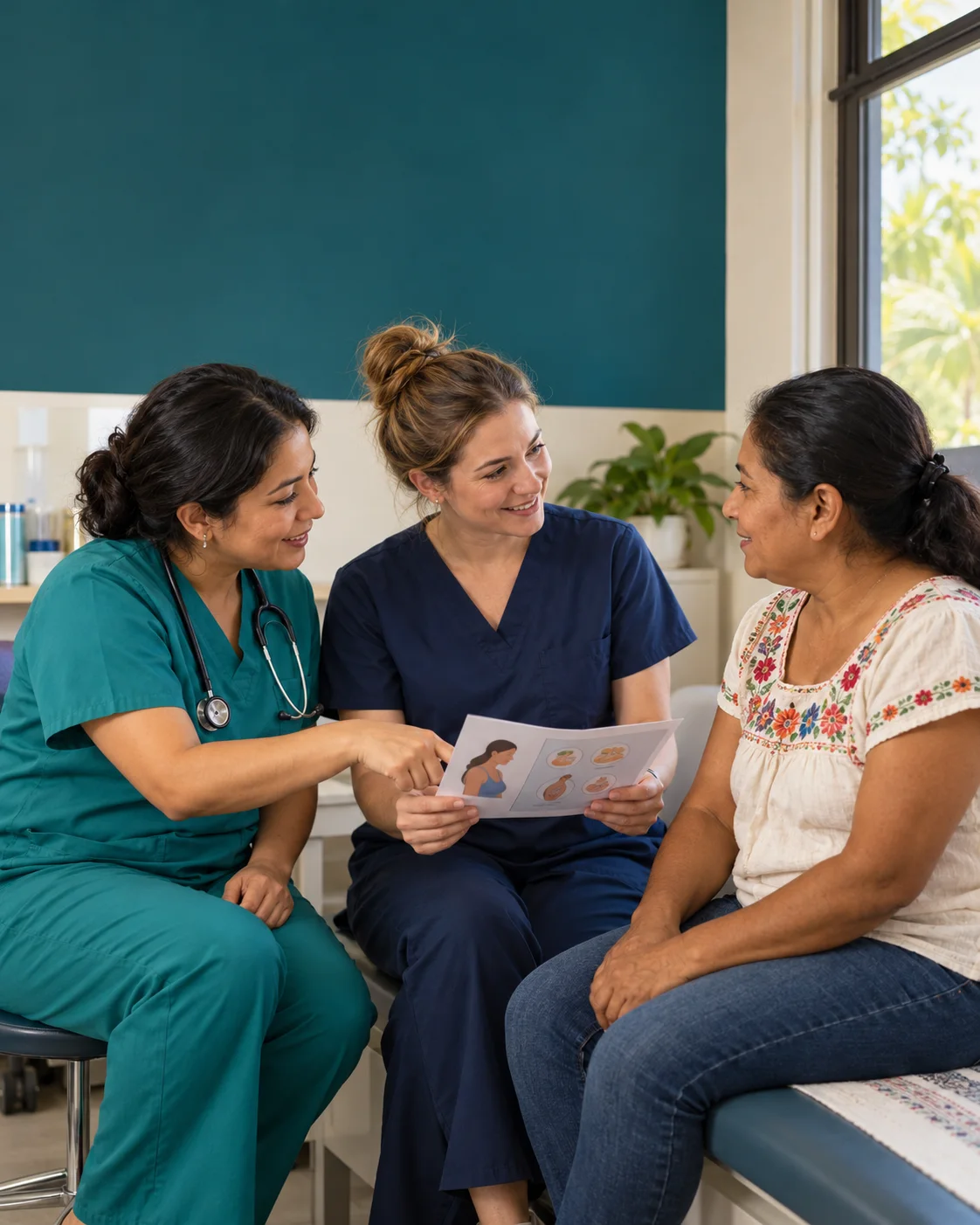
Introducing Medical Missions
Medical mission?
Be ready. Start today.
Your skills travel. Let your Spanish come with you. Build a preparation plan around your role, your destination, and the day you leave.
Orthopedic tripsLocal-team collaborationBefore · During · AfterWords you can build on
Begin with the conversation.
Small, thoughtful phrases are a useful place to start. Practice them before the moment you need them.
¿Cómo prefiere que le llame?
What would you like me to call you?
Rapport & respect
¿Dónde le duele?
Where does it hurt?
Listening & questions
Esperemos al intérprete.
Let us wait for the interpreter.
Knowing when to ask for help
Language-learning examples. Use your organization’s interpreting process for clinical discussions beyond your language proficiency.
A look inside the app
How language becomes yours.
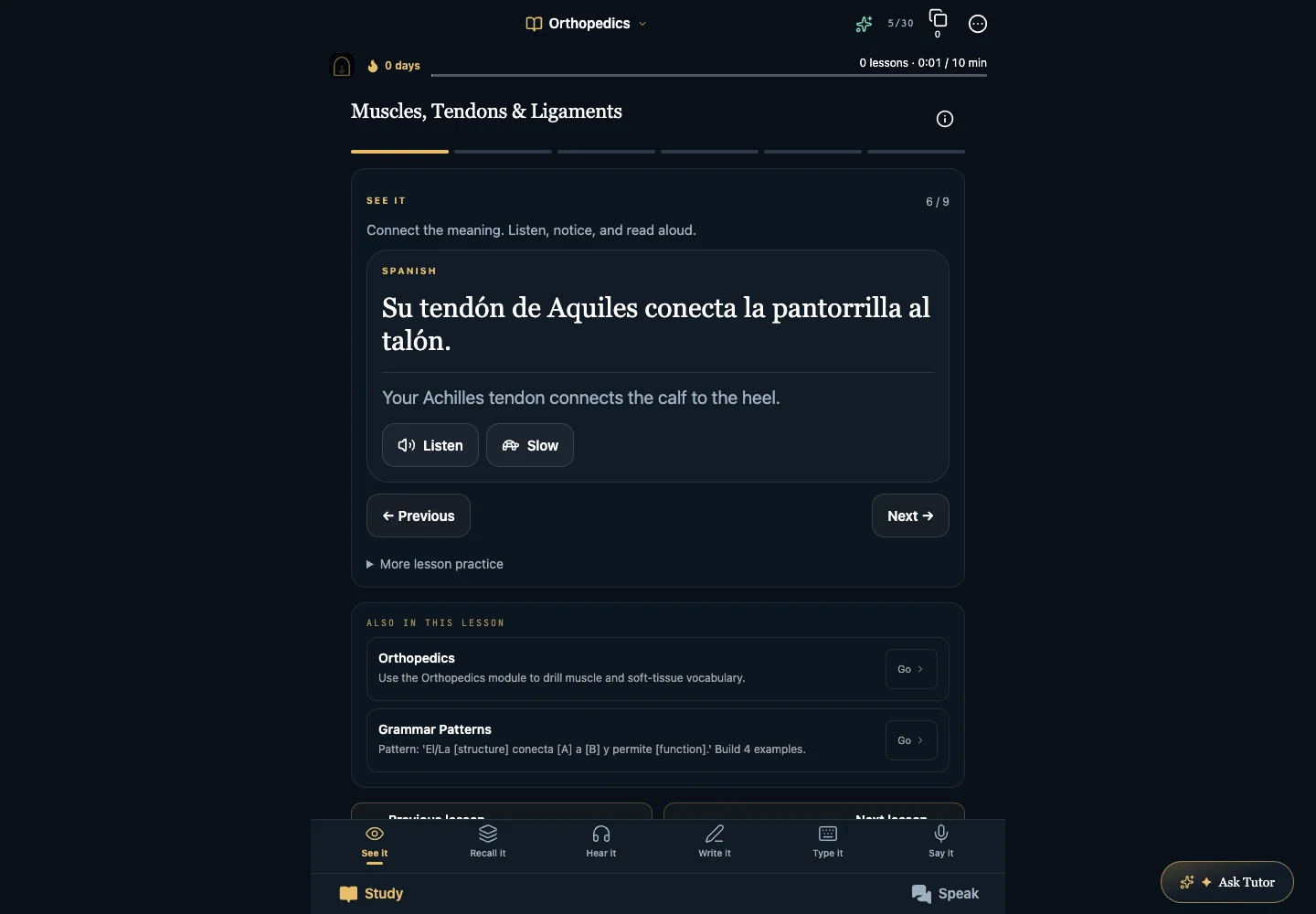
From a new word to a real conversation. Follow one Orthopedics lesson through See it, Recall, Hear, Write, Say and Speak. Each step pairs the iPhone app with the full web-app view.
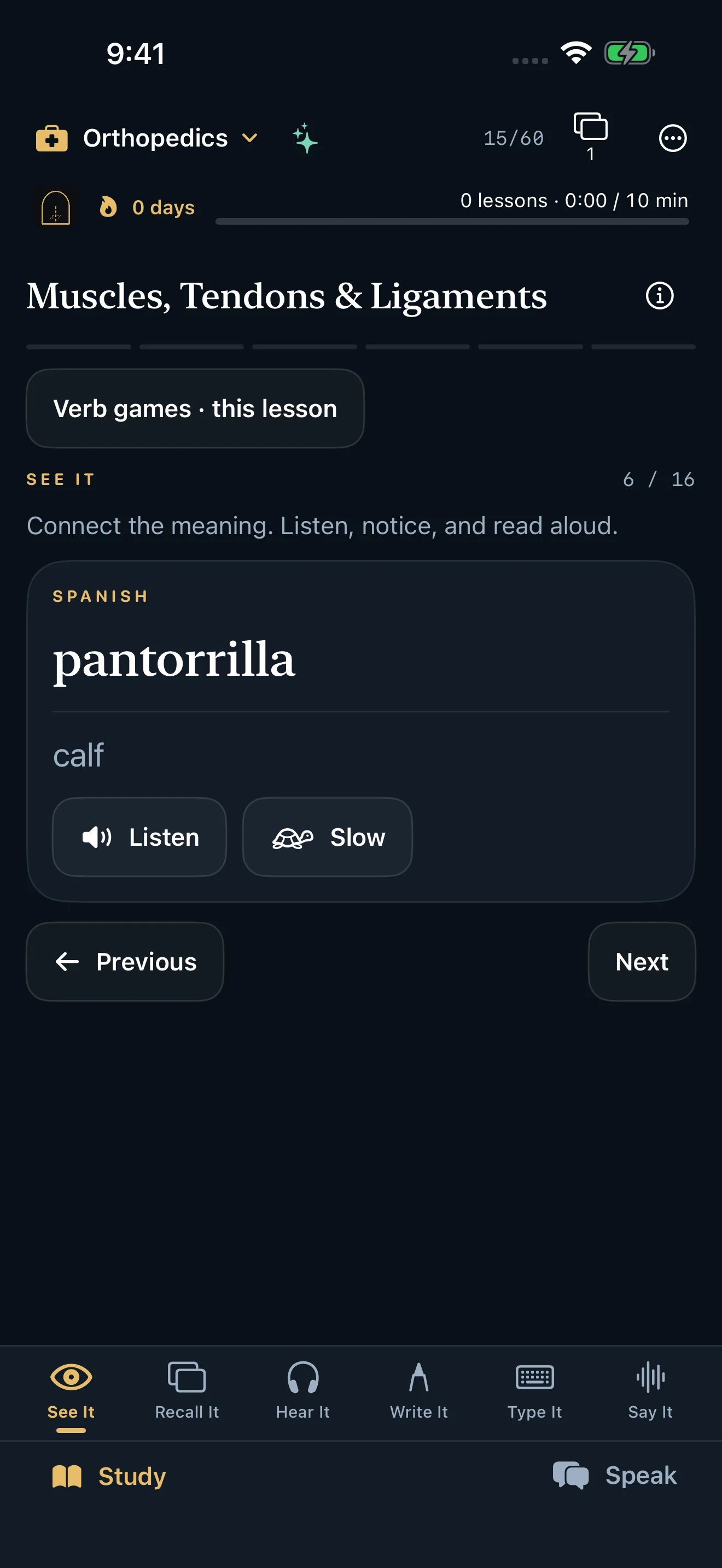
pantorrilla
calf
Try this lesson →01 / 06 · See it
Meet a word in context.
See pantorrilla alongside its meaning: calf. Meet the word in the Orthopedics lesson, then build toward using it in your own words.
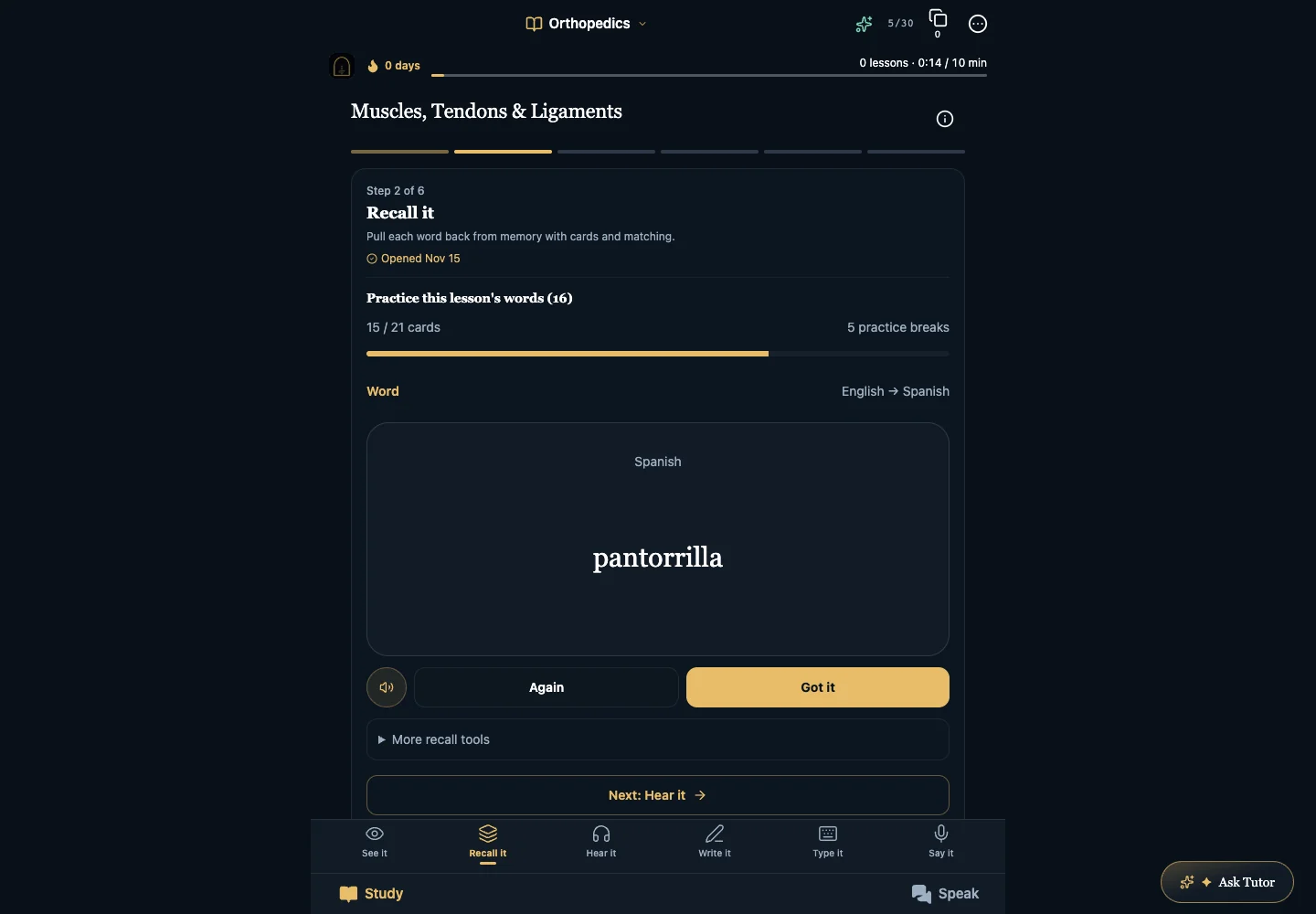
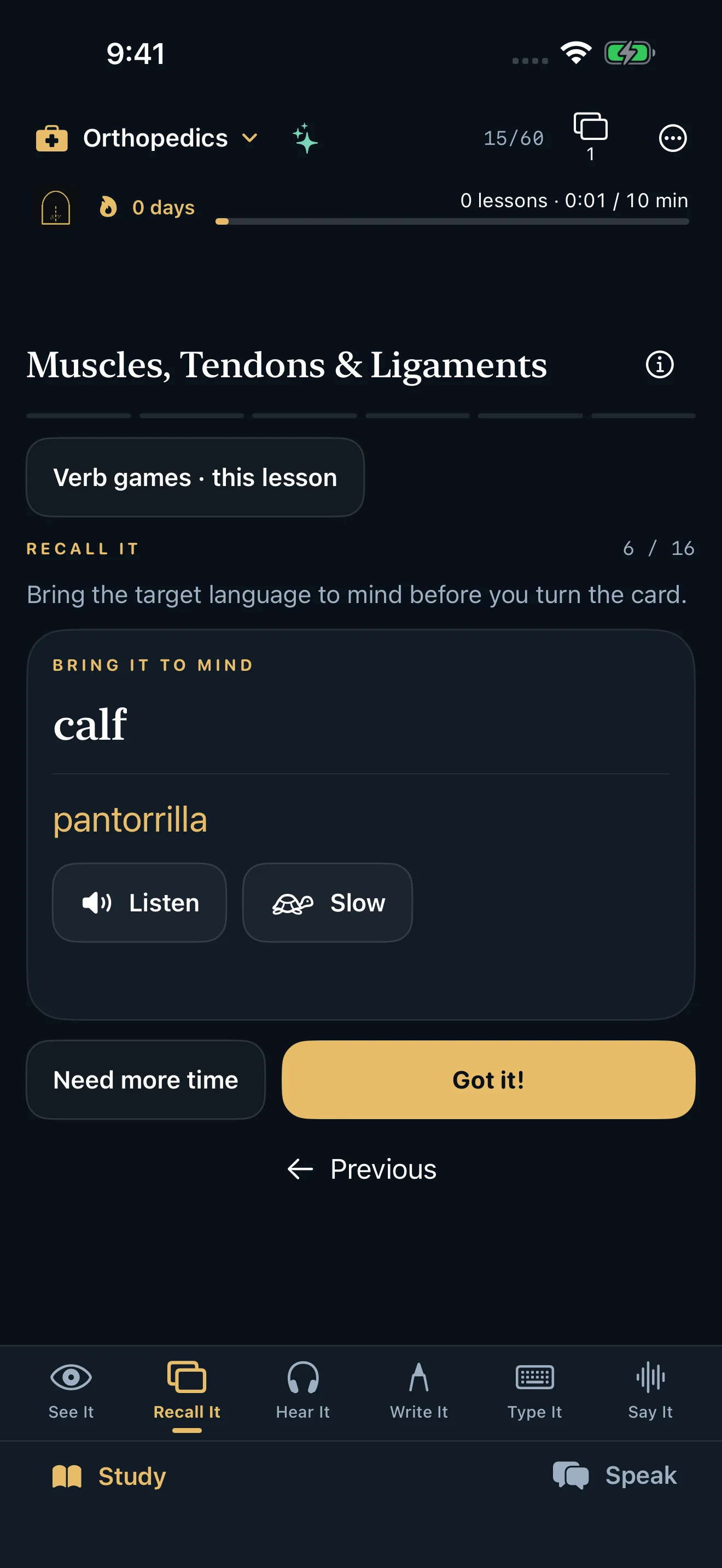
02 / 06 · Recall
Bring it back from memory.
Try the meaning before revealing the answer. Revisit the words and phrases that need another pass, with short matching and verb activities to keep practice varied.
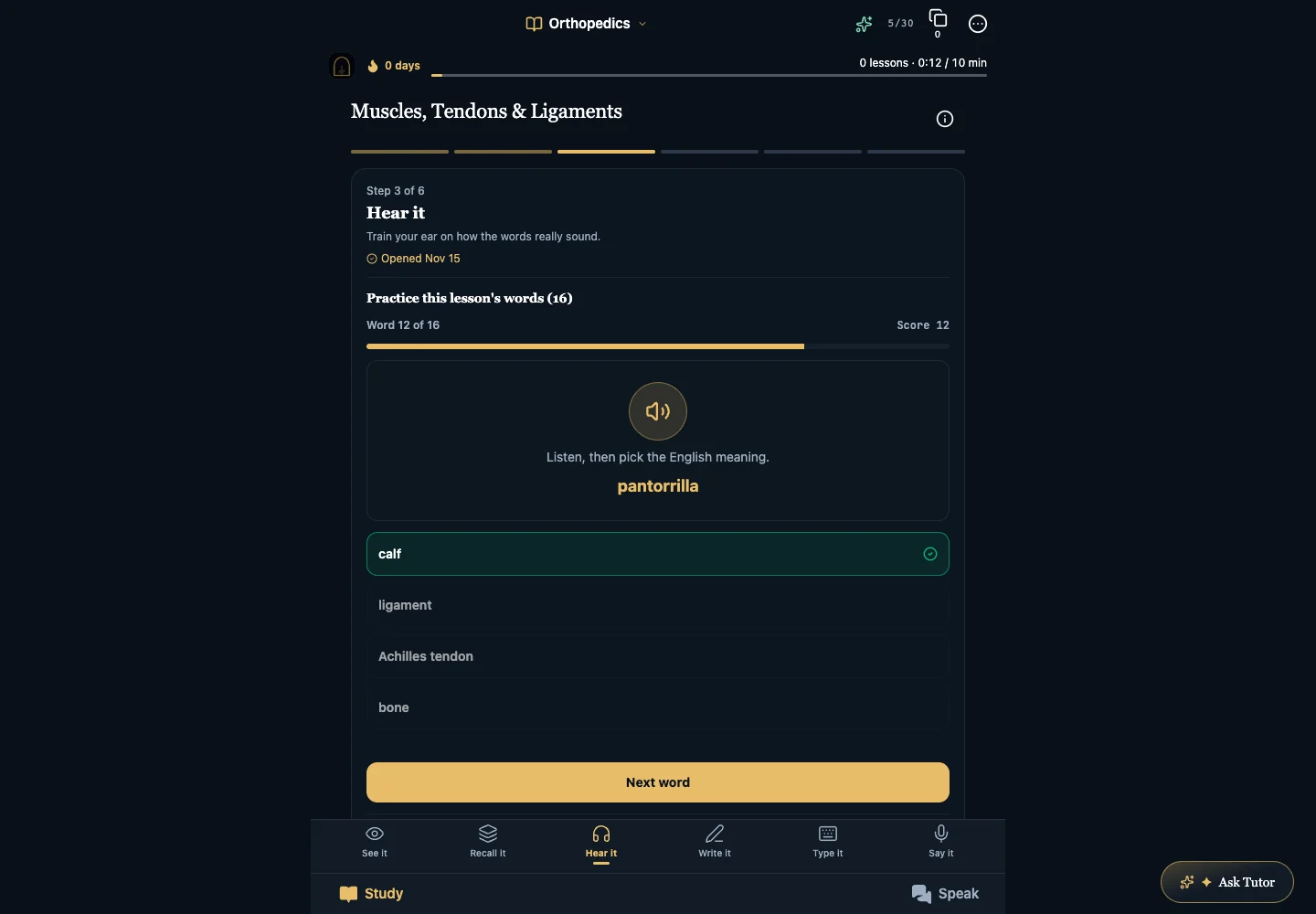
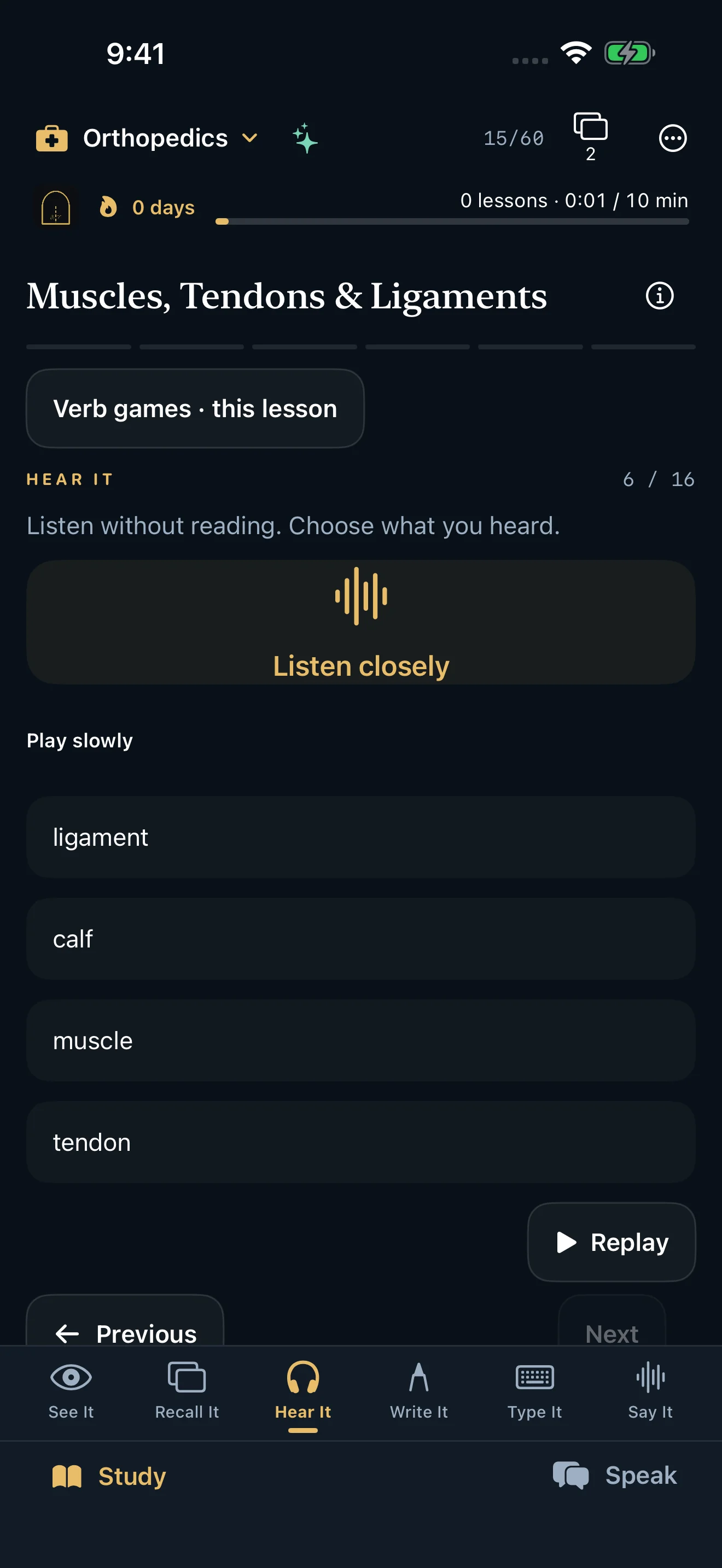
03 / 06 · Hear
Connect the sound to the meaning.
Listen to the Spanish, repeat it slowly, and choose what you heard. Connect pantorrilla to calf by sound as well as sight.
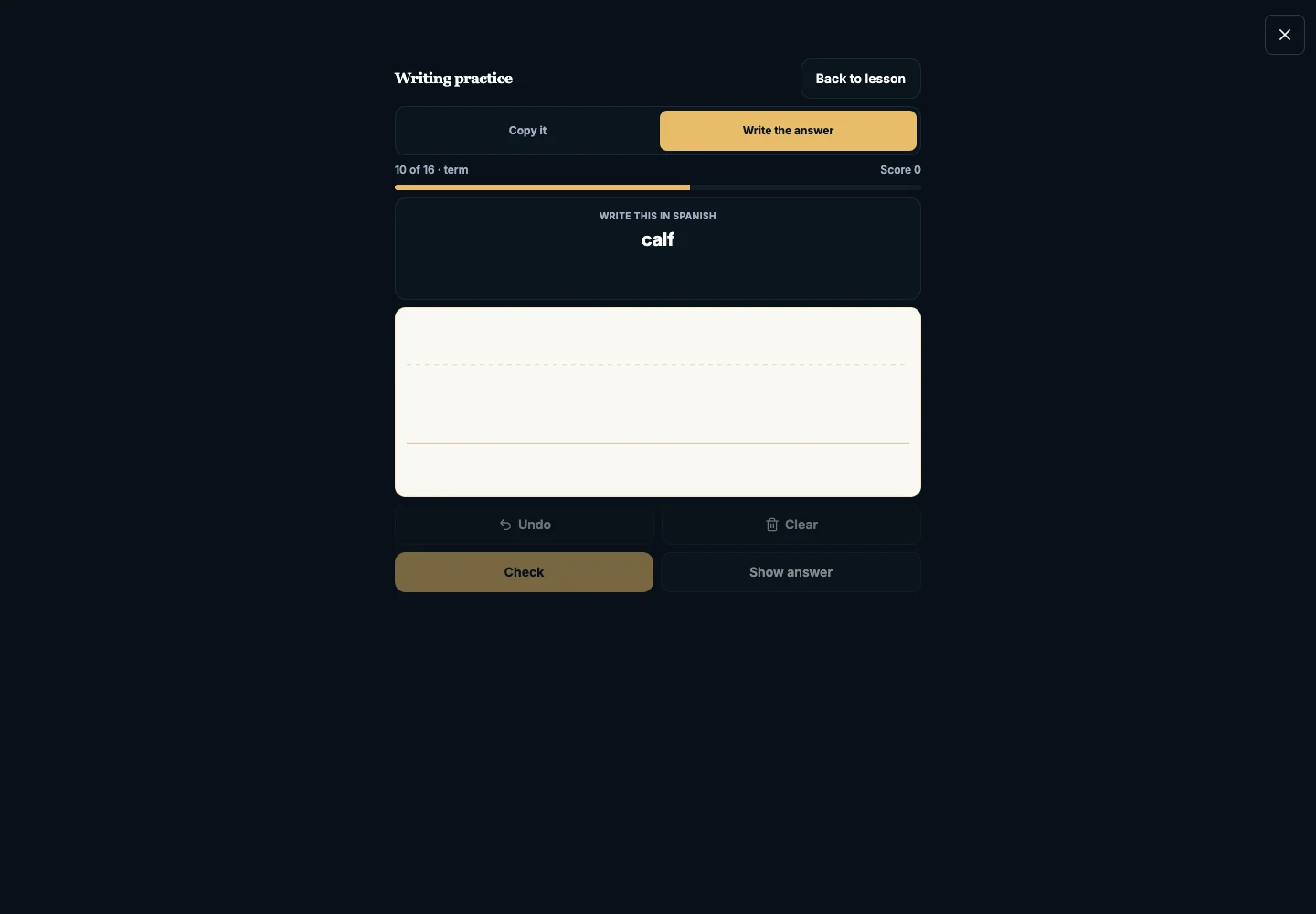
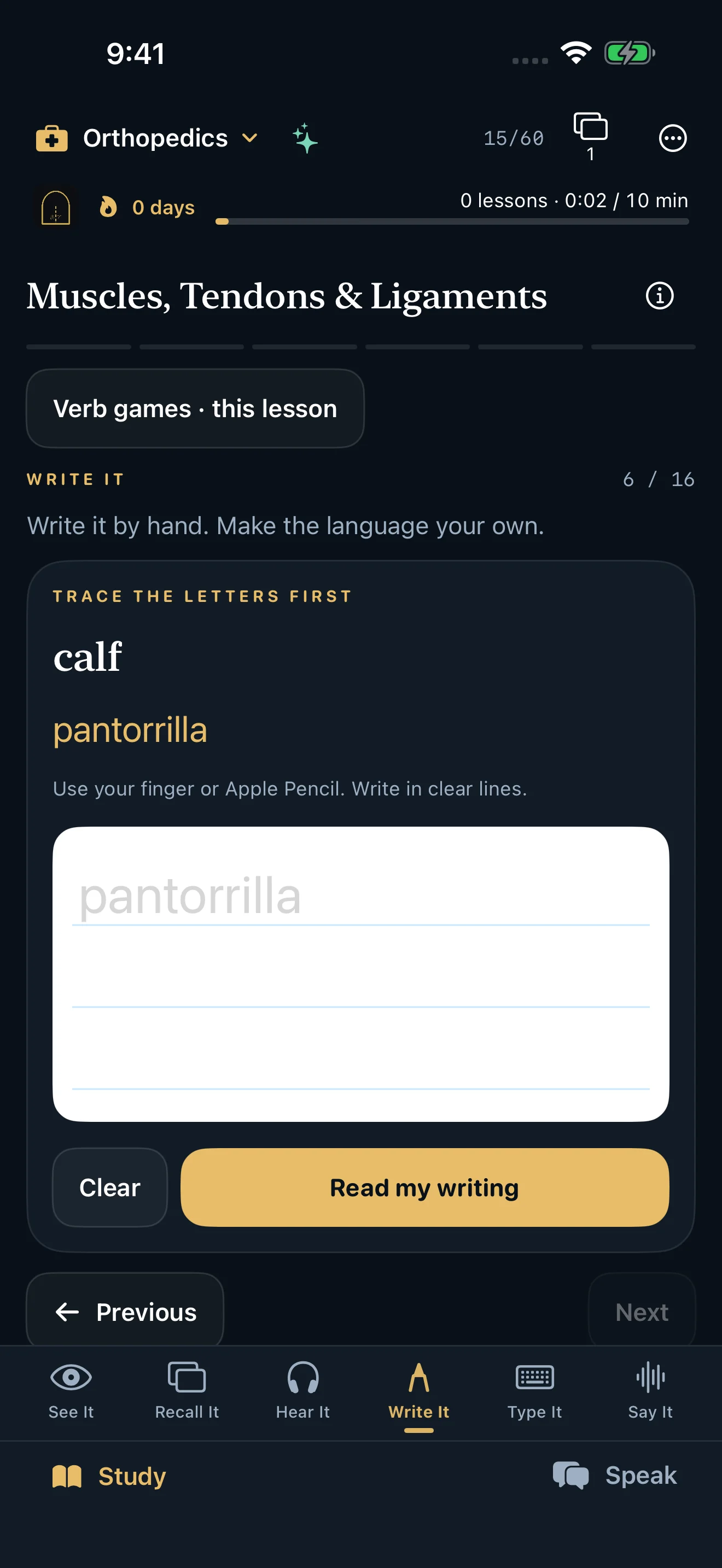
04 / 06 · Write
Make the spelling your own.
Copy the model by hand, then try it from memory. The writing pad gives you room to work with the spelling as well as the meaning.
05 / 06 · Say
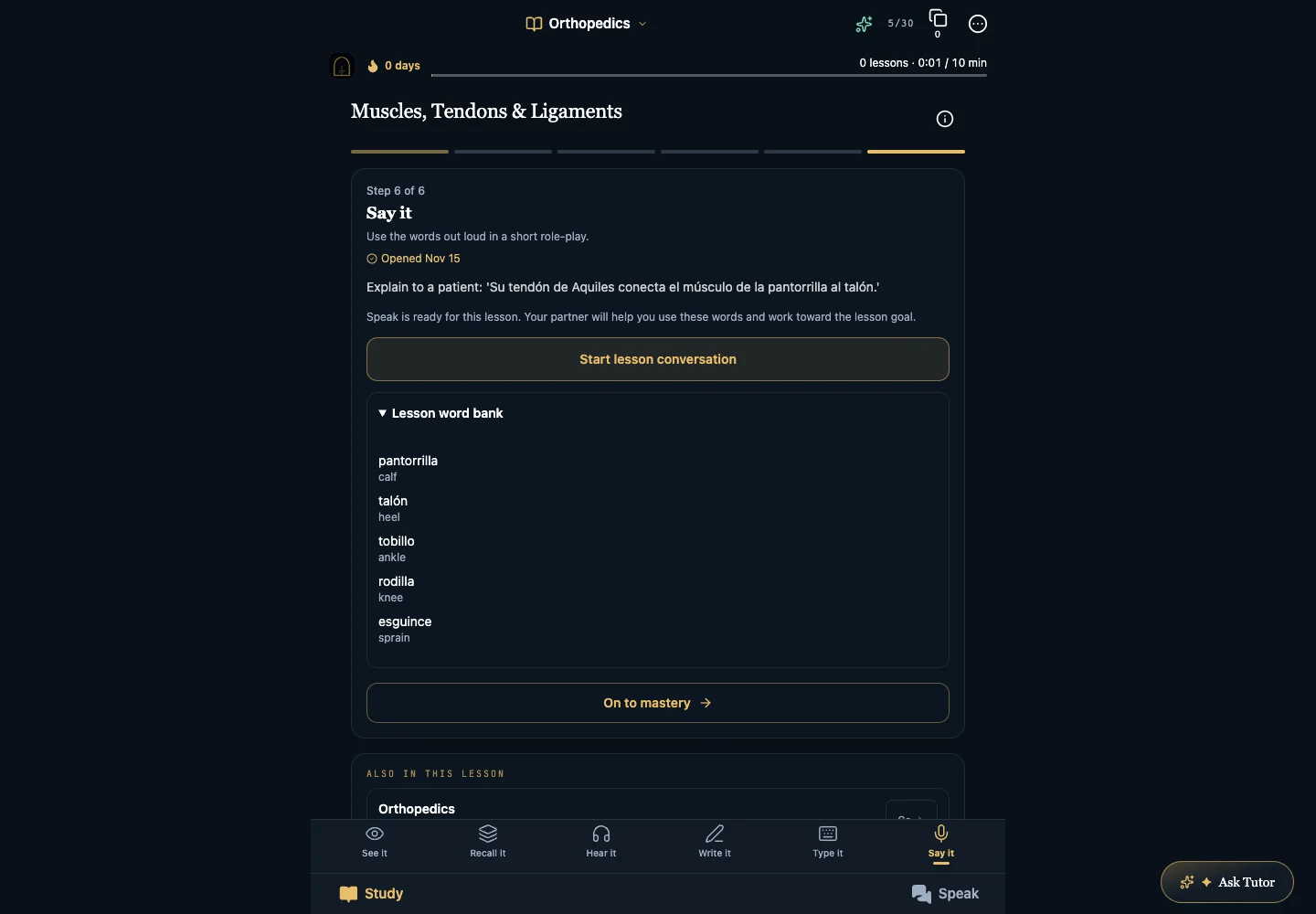
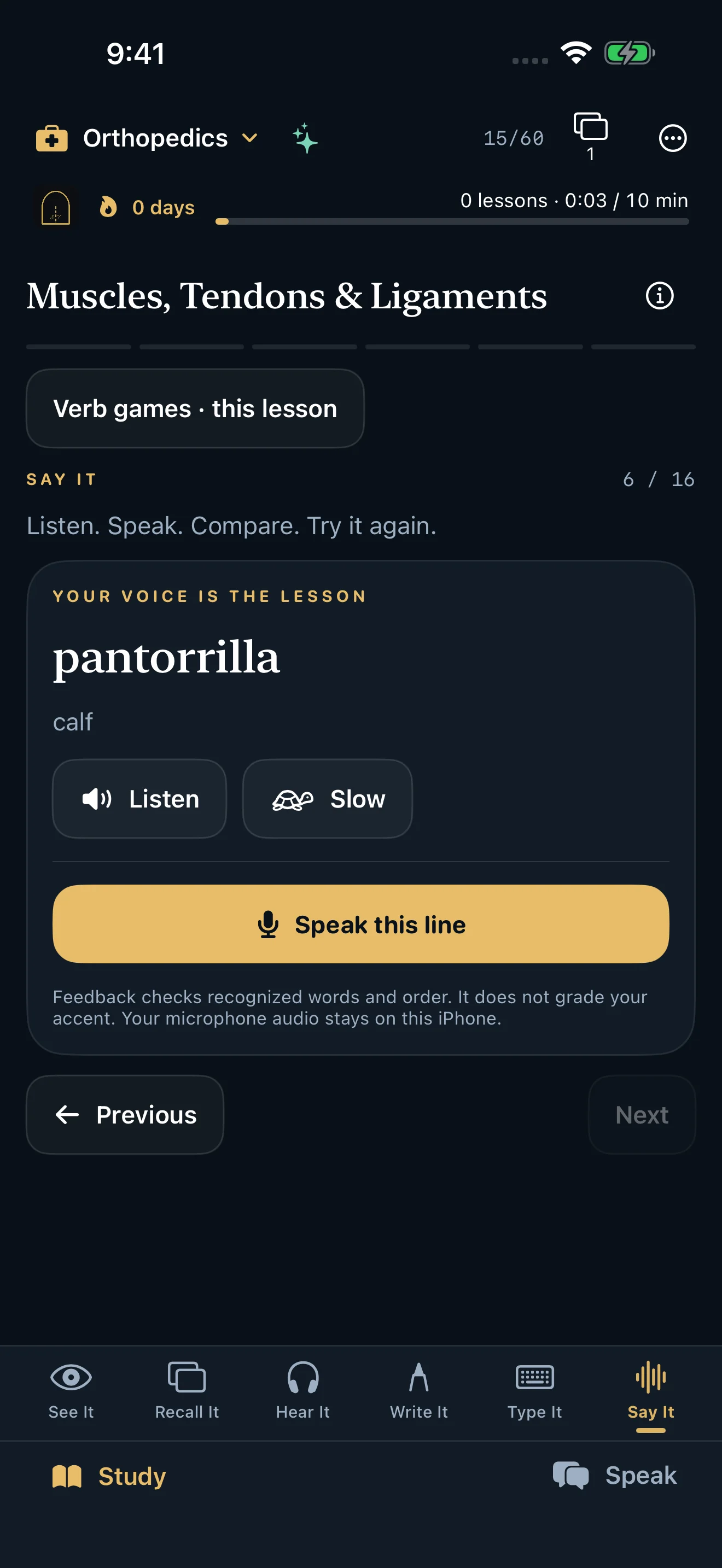
Use the lesson aloud.
Say pantorrilla aloud, then use it in a phrase from the lesson. Get ready to use the word in a longer response.
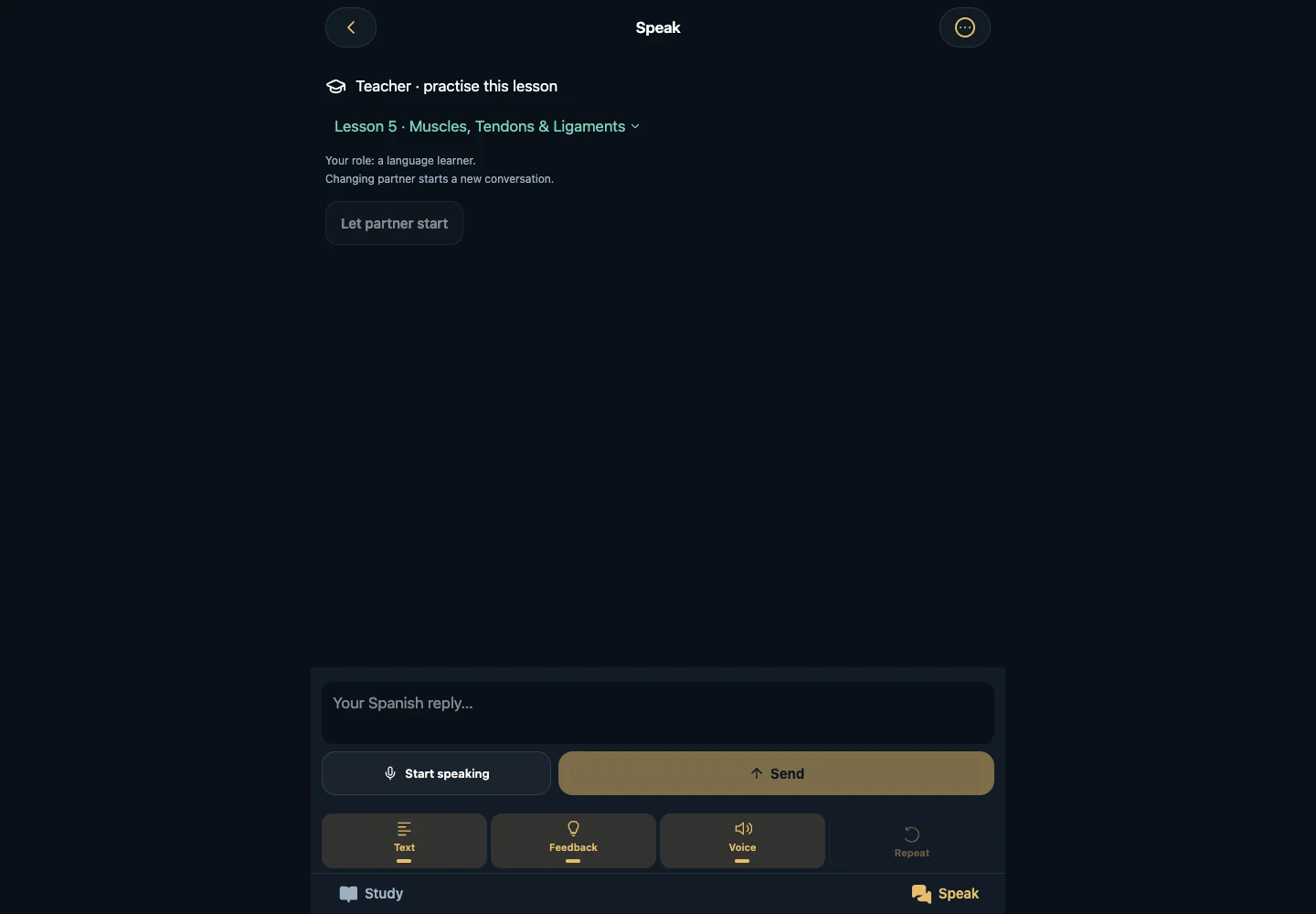
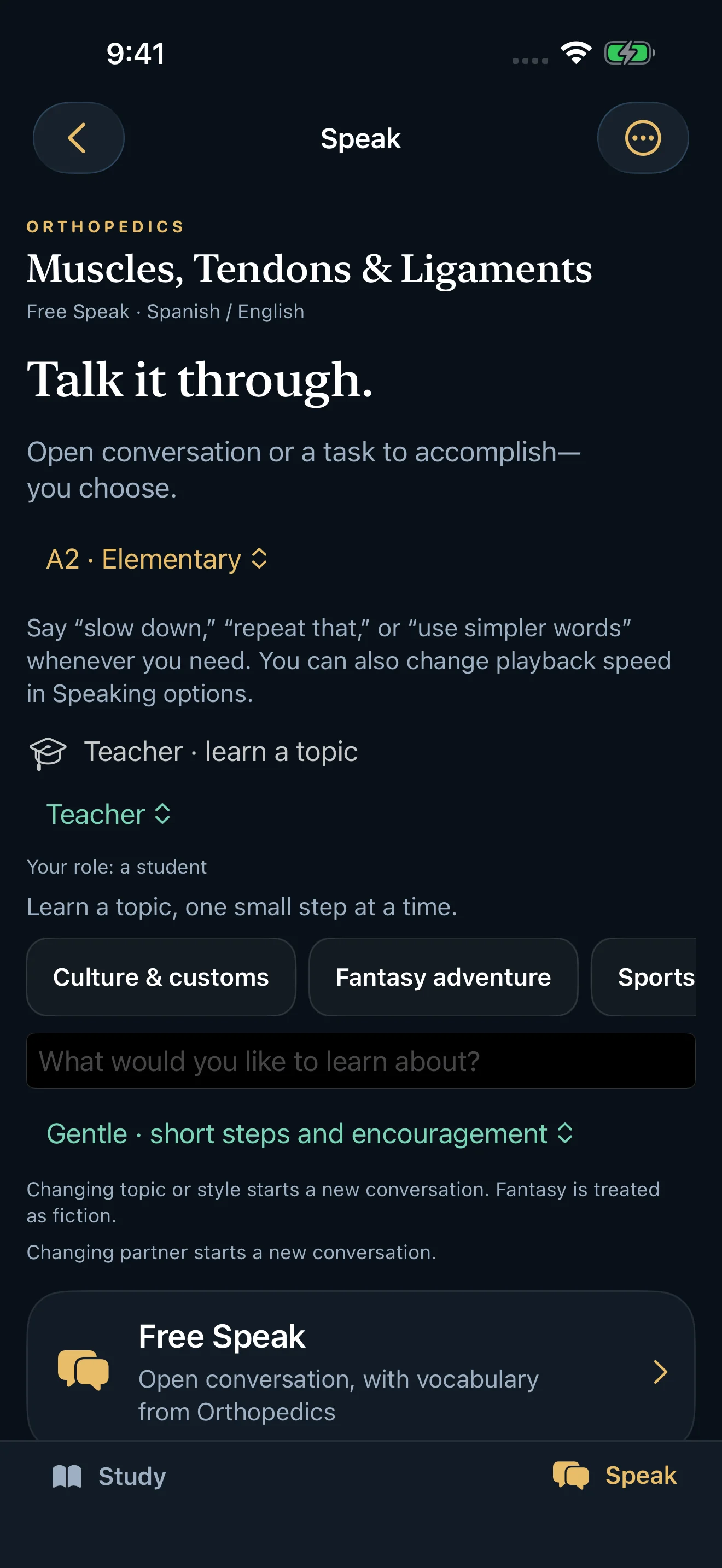
06 / 06 · Speak
Turn the lesson into a conversation.
Choose Teacher or another speaking partner and use the lesson’s goal in your own words. Ask for a hint, simpler Spanish or a slower reply when you need one.
A practical learning rhythm
See it. Hear it.
Make it your own.
Read a short passage. Work with the words. Listen, recall, and rehearse a response. Return to the parts that need another pass.
Learn in context
Start with a patient greeting and the words around it.
Practice actively
Use the lesson’s reading, listening, and recall activities.
Keep returning
Revisit the phrases that matter to your specialty.
Learn together
Use team assignments and practice reporting in the app.
The reference shelf
A useful guide, when you need one.
A thoughtful patient greeting
Introductions, respectful questions, and the start of a clinical conversation.
Read the phrases →Clinical conversationAsk about pain
A bilingual guide to location, timing, and descriptions of pain.
Read the guide →Medical missionsPrepare for an orthopedic trip
Eight language practice sessions for the people working beside local orthopedic teams.
Explore the toolkit →A note from the founder
Built around the work.
And the person.
Language Threshold is a project by Toby Anderton, MD. MedicalSpanish.app brings the learning into a clinical context: the first greeting, the question you want to understand, and the colleague you want to work alongside.
Practice supports communication. Clinical care, qualified interpretation, and professional credentialing remain with the appropriate care team.
Meet Toby →Free printables
Take a little Spanish with you.
Get a free starter PDF or choose a role-specific trifold. Enter your email and open your resource immediately.
Get my free resource →